

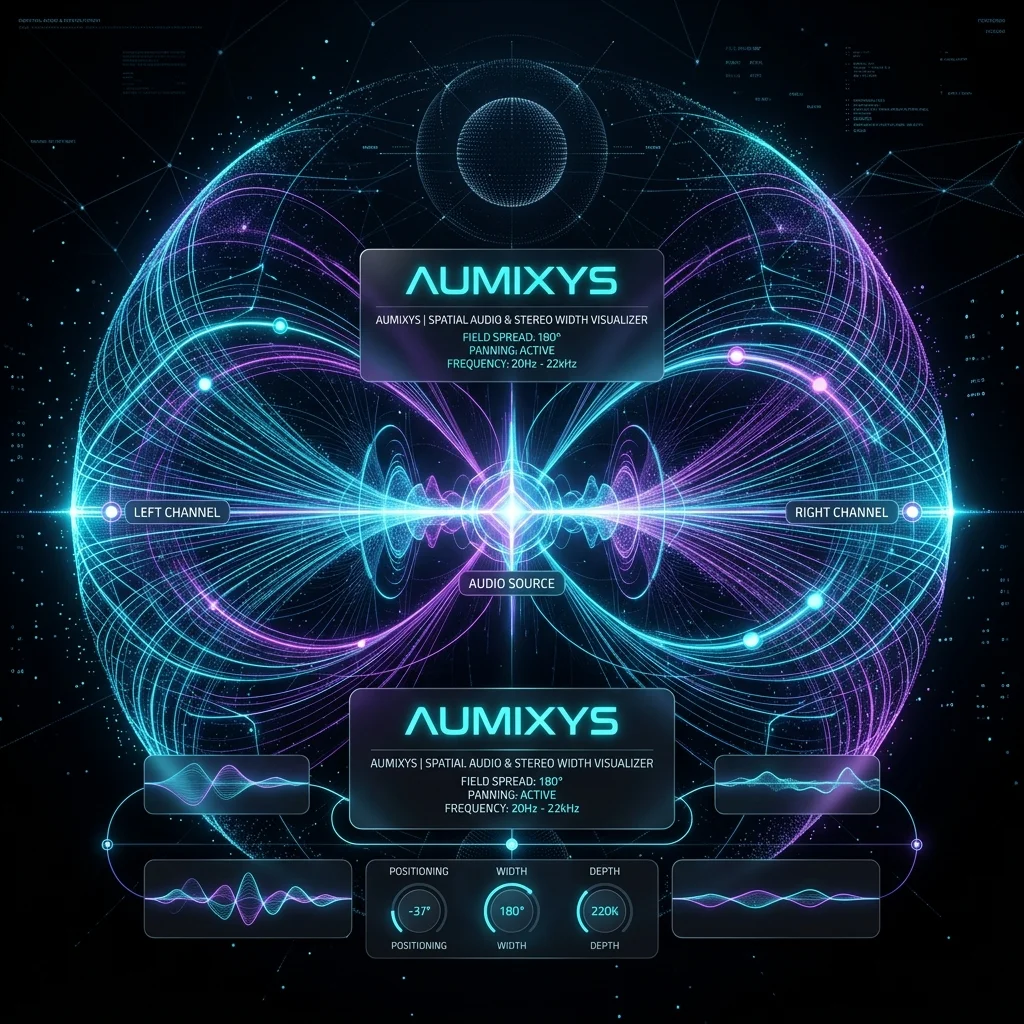
Phase Correlation: What the meter tells you
The Phase Correlation Meter is your primary tool for evaluating stereo width. The scale ranges from +1 to -1.
- +1: Mono signal (Left and Right are identical).
- Between 0 and +1: Healthy stereo image. The closer to 0, the wider the sound, but the higher the risk of mono issues.
- Below 0 (Negative values): Phase issues. Left and Right channels are "fighting" each other. When summed to mono, these parts of the sound will disappear.
Why mono compatibility is crucial
You might think: "Who listens in mono anymore?". The answer is: almost everyone. Smartphones, Bluetooth speakers, club sound systems, and retail ceiling speakers — many of these operate in mono or very narrow stereo.
If your mix relies on phase-widening tricks that vanish in mono, your vocals might get quieter, and your snare might lose its impact. Always check your master with a "Mono" button in your DAW.
The Power of Mid/Side (M/S)
Mid/Side technique allows for separate processing of the center (Mid) and the sides (Side) of the mix. This is a cornerstone of modern mastering:
- Mid: Vocals, kick, bass, snare. This is where the core energy lives.
- Side: Reverbs, panned guitars, effects, wide synths. This is where the space lives.
A common trick is to use a High-Pass Filter on the Side signal (cutting up to about 100-200 Hz). This ensures the low end (bass, kick) remains perfectly in mono, providing stability and punch, while the highs can stay wide and spacious.
How to check stereo in Aumixys?
Aumixys Analyzer shows Average Correlation and a correlation graph over time. If you see the graph frequently dipping into the red zone (below zero), you need to check your mix for stereo effects (wideners, chorus, delays) that might be causing excessive phase shifts.
Additionally, the Goniometer plot allows you to visually assess the balance between channels and the density of the stereo image.
A simple stereo control workflow
- First listen in stereo and identify what creates width: pads, reverbs, delays, guitars, synths.
- Switch monitoring to mono. Vocals, kick, bass and snare should remain clear without suddenly disappearing or losing the center.
- Watch phase correlation. Brief moves near zero can be normal, but sustained negative values indicate real risk when summed to mono.
- Keep low frequencies stable in the center. If the Side channel carries too much bass energy, consider a high-pass filter on the Side signal.
- After every width/chorus/delay change, re-check mono, correlation and the goniometer, then compare against a genre reference.
Sources and standards
ITU-R BS.775 - stereophonic sound systems Apple Video and Audio Asset Guide - stereo delivery requirements iZotope - mono vs stereo and mono compatibility Apple Logic Pro MultiMeter - correlation meterFrequently Asked Questions (FAQ)
What does negative phase correlation mean?
Negative phase correlation (below zero) means the left and right channels are fighting each other. If the track is played in mono (e.g., on a Bluetooth speaker), these sounds may disappear entirely.
How to check mono compatibility in a mix?
Use a correlation meter and a Mono switch on your master bus. Key elements like vocals, kick, and snare should remain clear in the center and not drastically lose energy when summed to mono.
Check it on your track
See channel correlation, stereo width, and the risk of elements disappearing in mono.